Step-By-Step Tutorial: How to install MobileTerminal on iPhone with iOS 4.x

MobileTerminal is a terminal emulator application for the iPad and iPhone. The version of MobileTerminal that is available in Cydia doesn't work with iPhone iOS 4.x. However there are beta versions that do work, but aren't on Cydia because they are still in beta stages. This tutorial will show you step-by-step how to install MobileTerminal on iPhone with iOS 4.x (tutorial for iPad is here). If you have old version of MobileTerminal installed - uninstall it in Cydia (Search - MobileTerminal - Remove).
First of all you need to jailbreak your iPhone. If you have not done it already here is an easy tutorial: how to jailbreak iOS 4.0-4.1 on iPhone using Limera1n. After you successfully jailbreaked iPhone:
- Run Cydia by tapping on Cydia icon
- The Cydia will start:

- The Manage pane will appear:
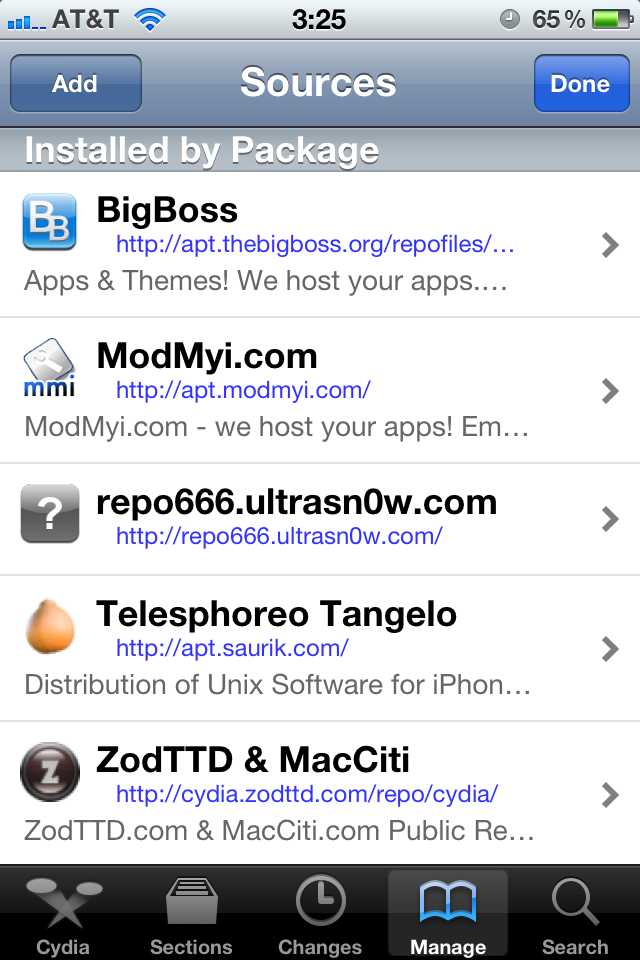
- The Sources windows will appear:
- Then click Add button in the top left corner.
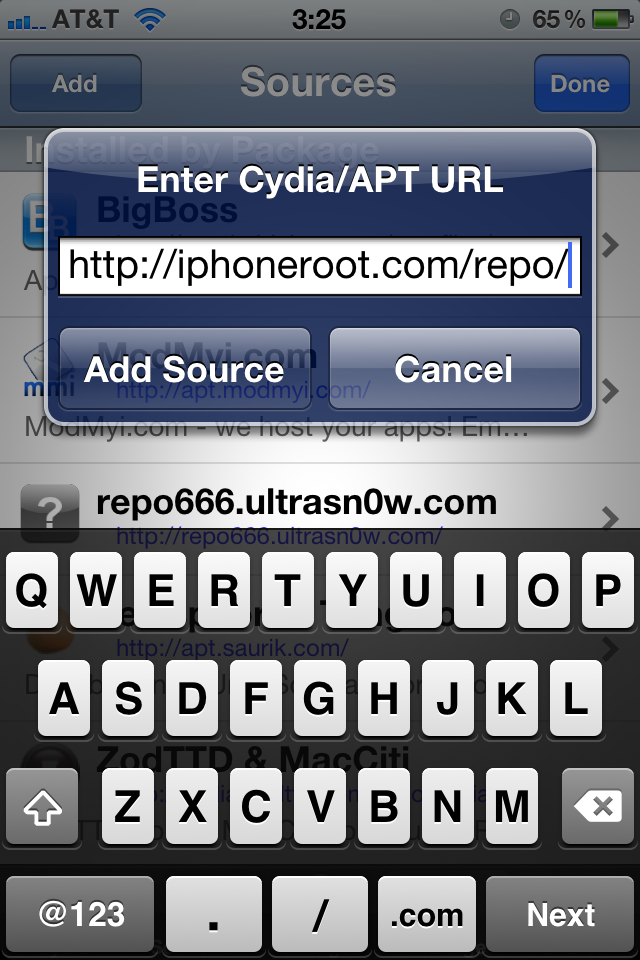
- Enter Cydia/APT URL window will appear:
- Cydia will check the URL. Click big Return To Cydia button.
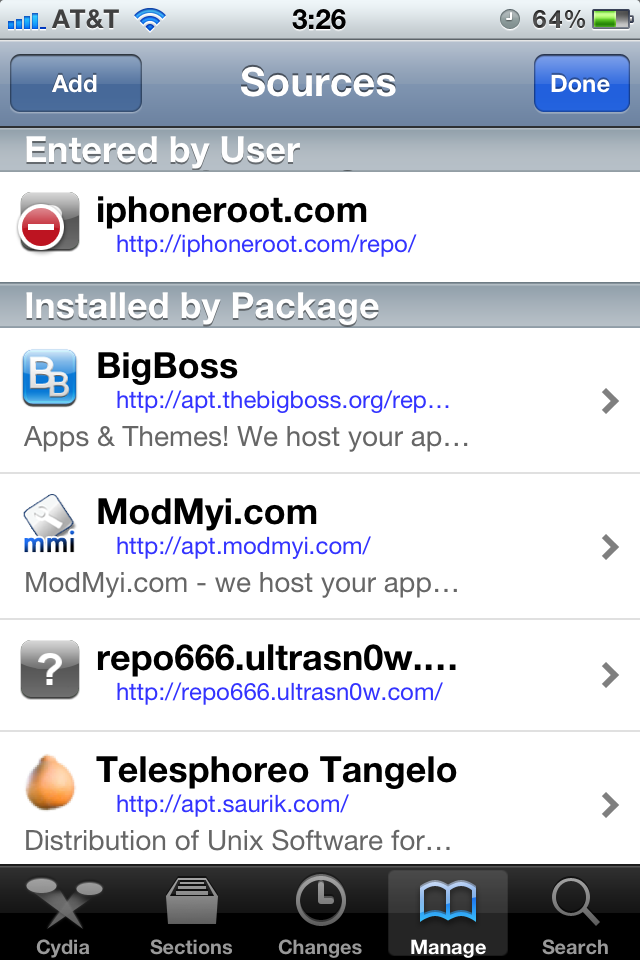
- You will return to Sources window. Click Done button in the top right corner.
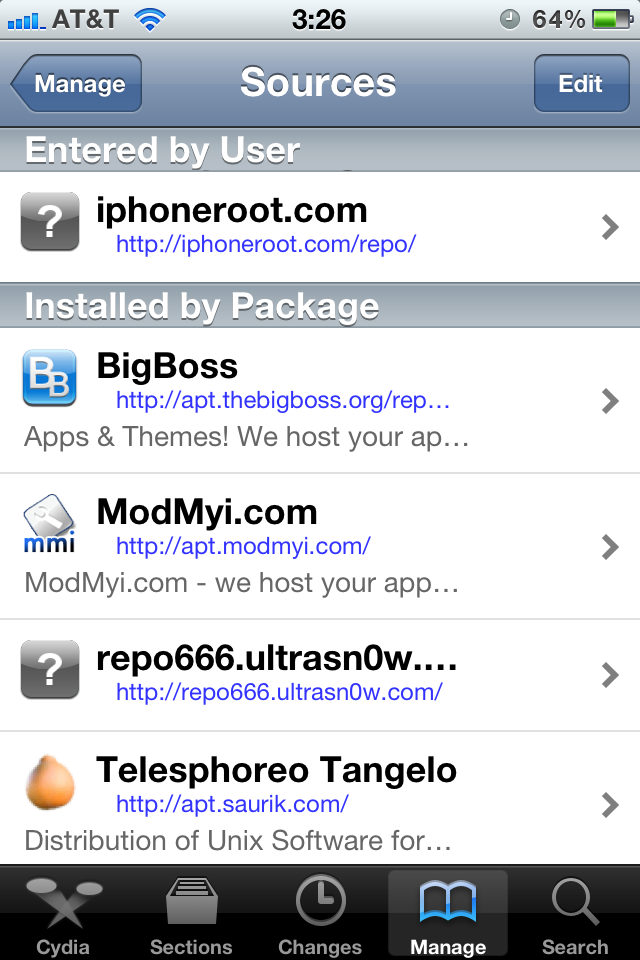
- You will see new repo added in Entered by User section. Click on the line where it is said iphoneroot.com.
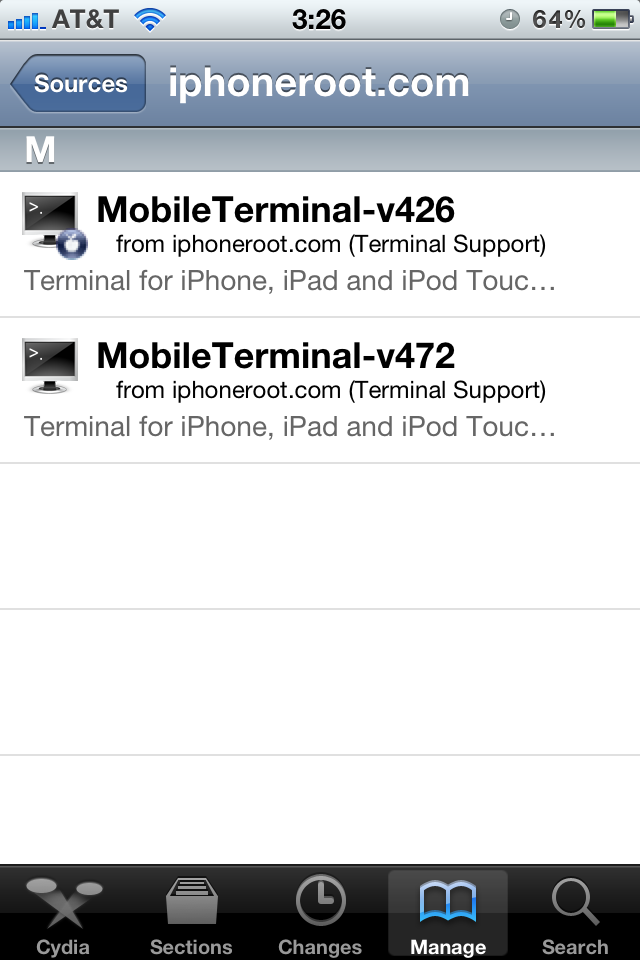
- You will see the windows with all packages from iphoneroot.com repository:
- Select the one you want to install - MobileTerminal-v426 or MobileTerminal-v472. You will see the corresponding page:
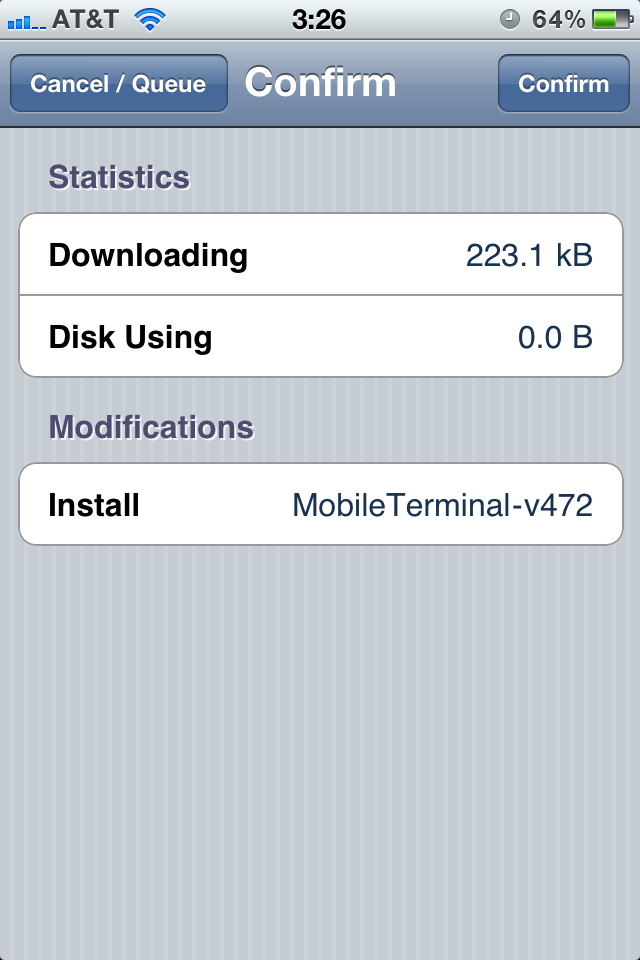
- Click Install button in the top right corner, than click button Confirm.
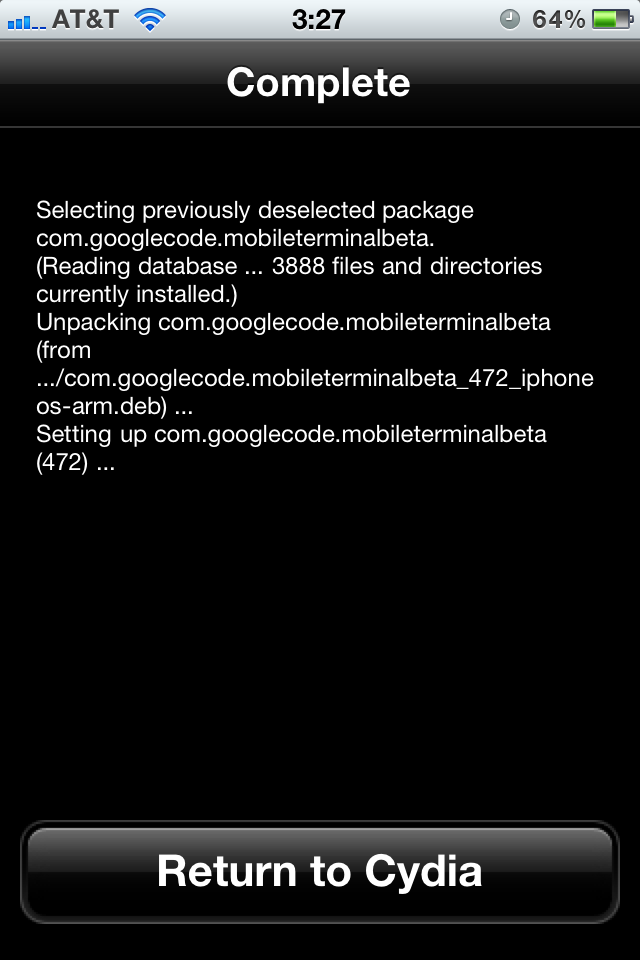
- You will see the installation process. When it is finished you will see Return To Cydia button.
- Click Return To Cydia button. You can now exit Cydia using Home button.
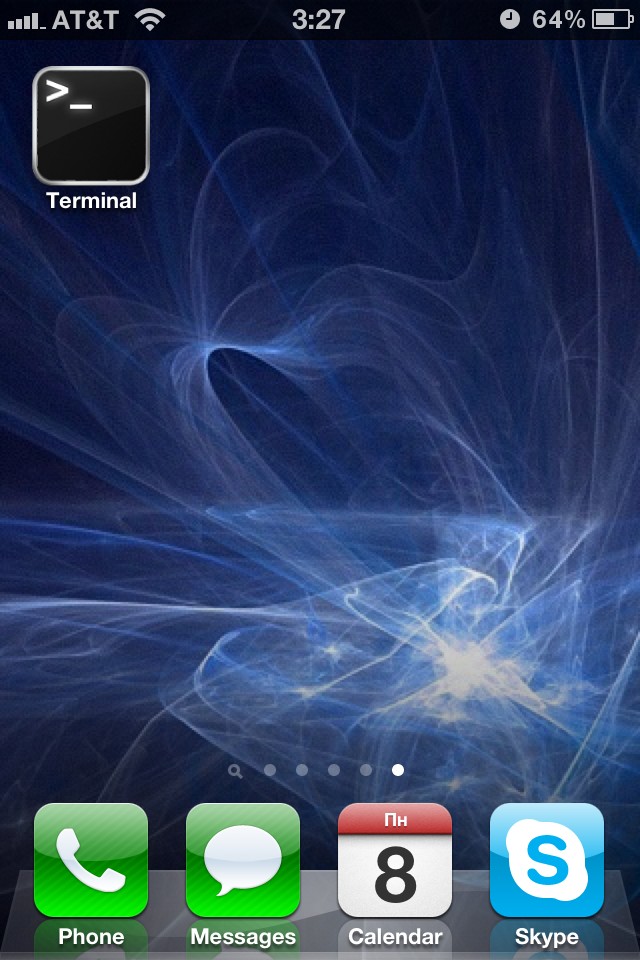
- You can run MobileTerminal using it's icon on the iPhone:
- Do not forget to change the default SSH password. Here is our tutorial.
- If you want to SSH remote machines you need to install OpenSSH (just go to Cydia-Search, type OpenSSH and install).
- There are many other useful console packages, that you probably want to install via Cydia and add to your terminal. We recommend installing the following packages: adv-cmds, basic-cmds, BigBoss Recommended Tools, bzip2, cURL, Diff Utilities, diskdev-cmds, developer-cmds, ed, file-cmds, Find Utilities, Gawk, grep, gzip, inetutils, less, lzma, Midnight Commander, nano, New Vi, Nmap, network-cmds, ncftp, sed, shell-cmds, system-cmds, unrar, unzip, Vi Improved, whois, xml2, zip, 7-zip.
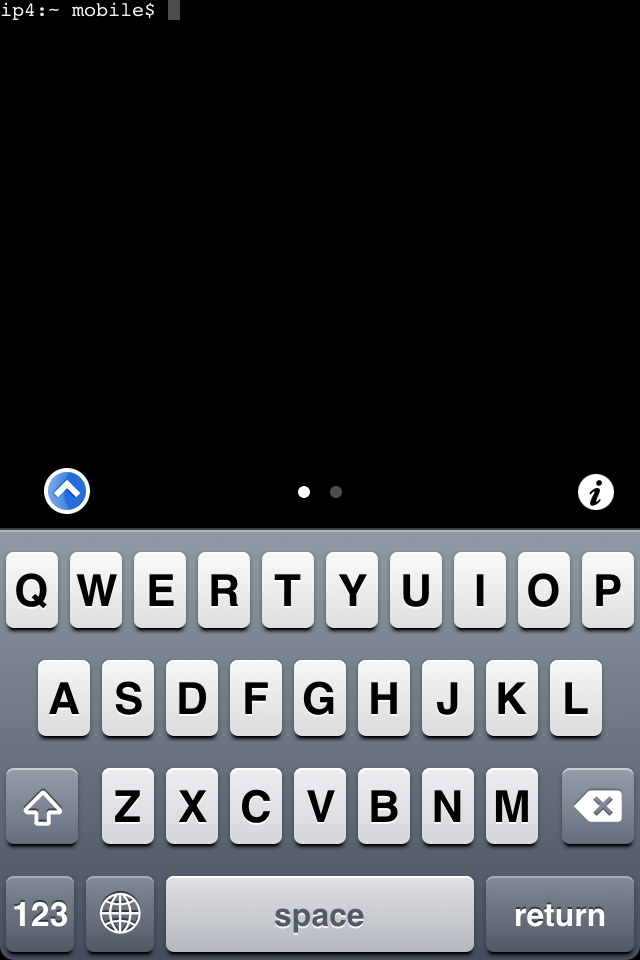
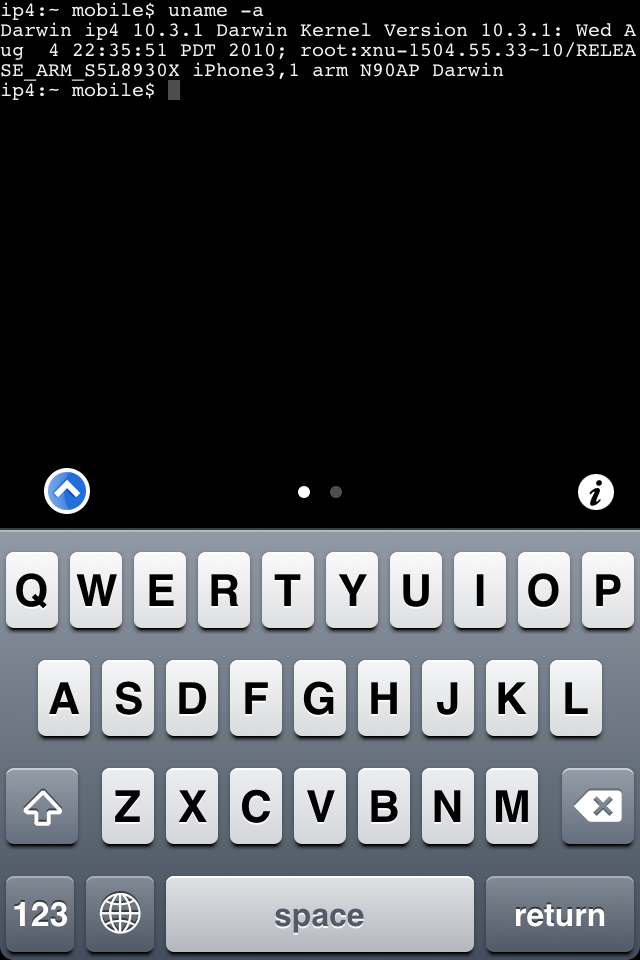
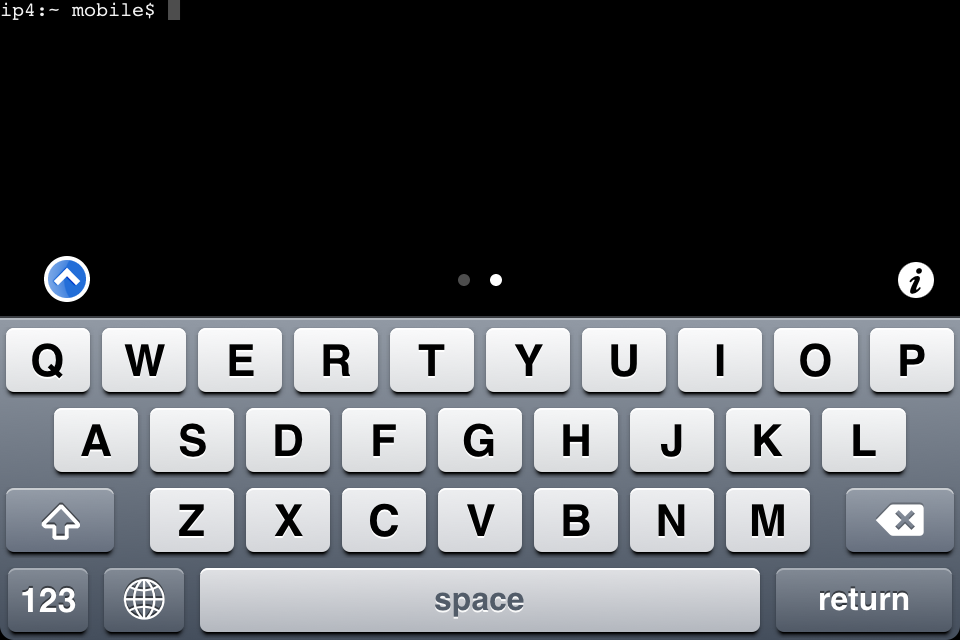
- Here are several MobileTerminal v472 screenshots:
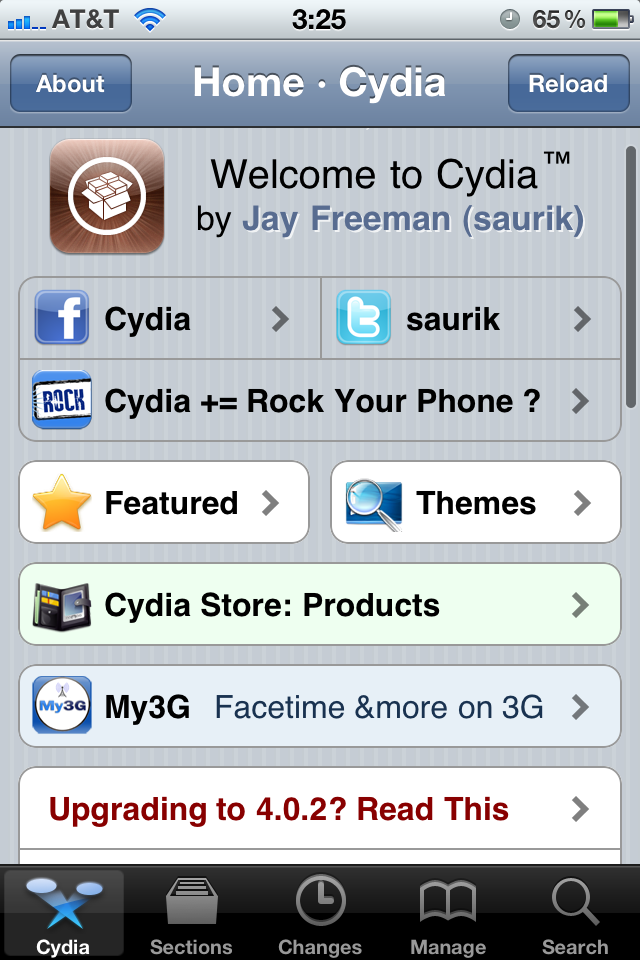
Go to Manage (tap the 4th button on the bottom).
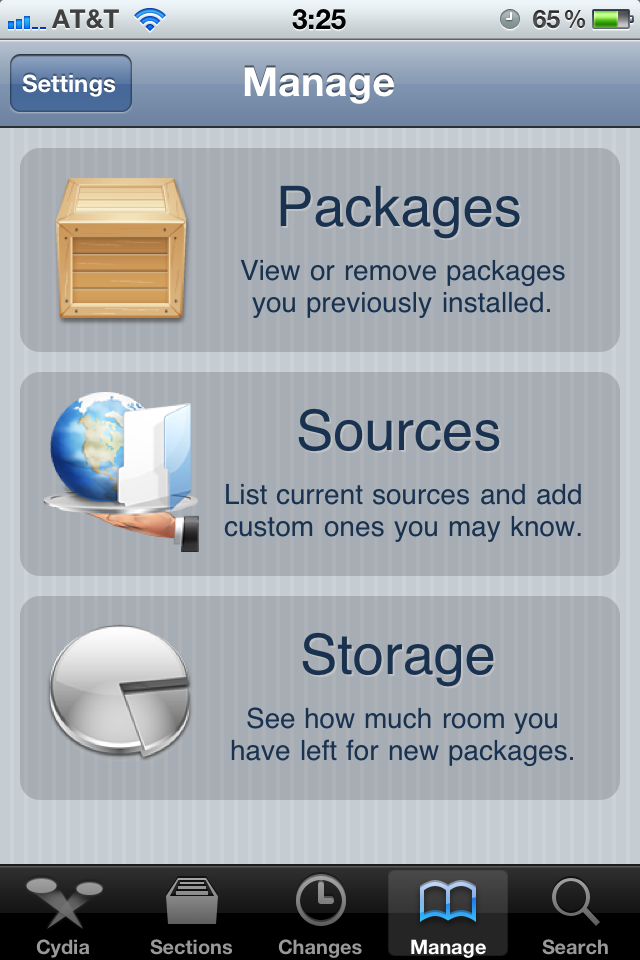
Click big Sources button.

Click Edit button in the top right corner.
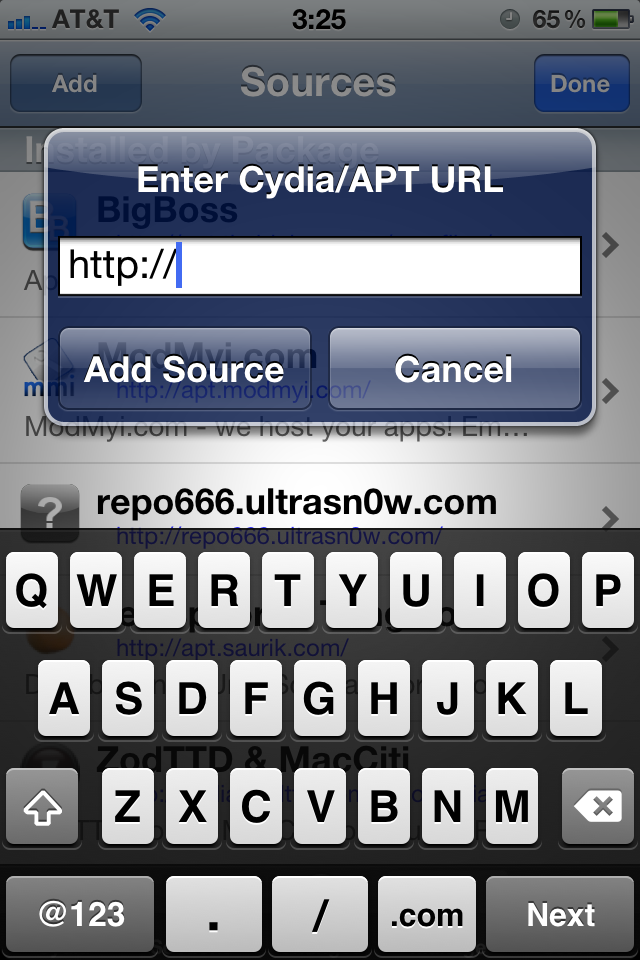
Type http://iphoneroot.com/repo/ and click Add Source button.

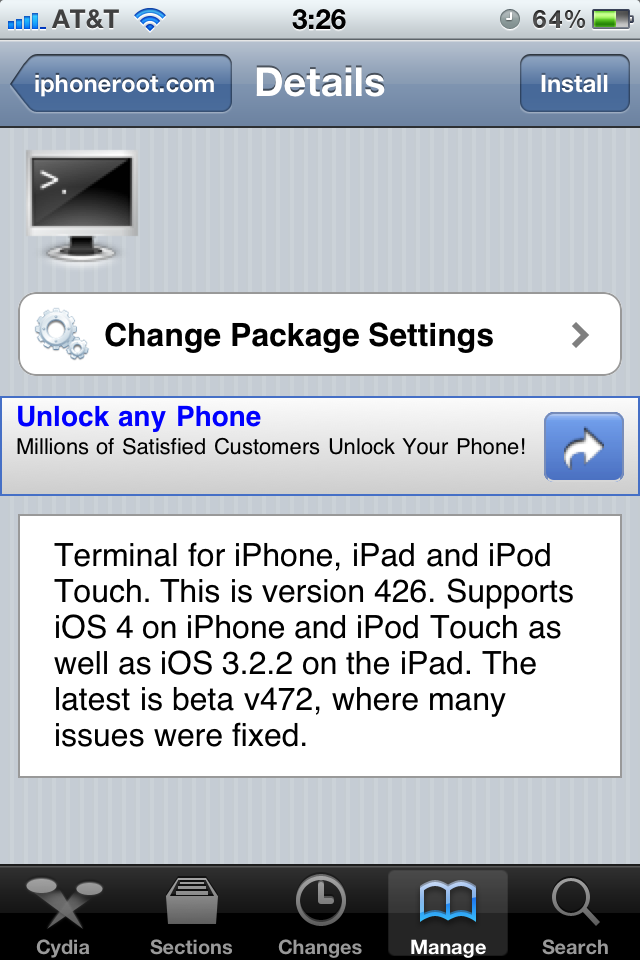
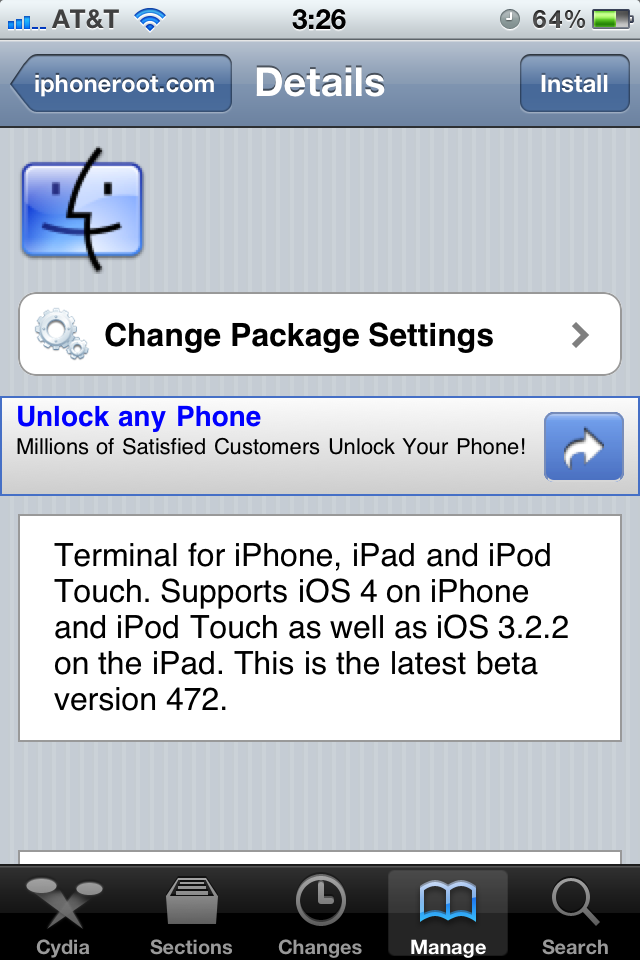
We recommend to use the latest version 472, because many issues found in version 426 were fixed.



No hay comentarios.:
Publicar un comentario